How to Properly Maintain Your Laptop and Extend Battery Life
Proper laptop maintenance plays a critical role in extending device lifespan and improving battery performance. Many laptop failures are caused by overheating, improper charging habits, and lack of regular servicing.
Key Tips to Extend Laptop Battery Life
- Avoid keeping your laptop plugged in all the time
- Maintain battery charge between 20% and 80%
- Use original or certified chargers only
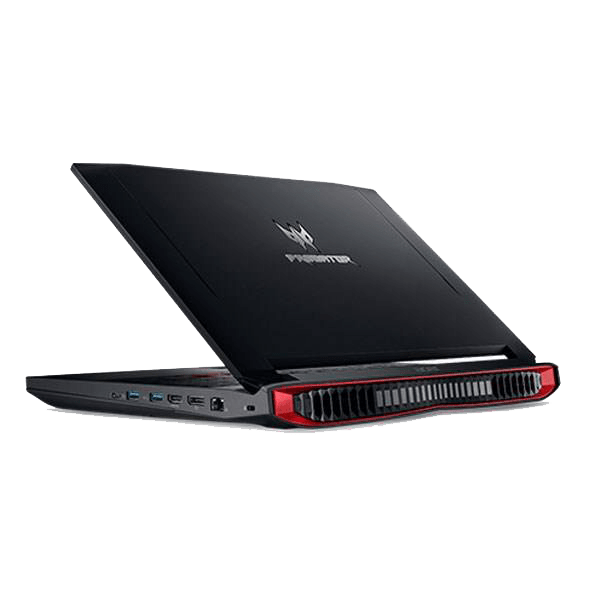
- Prevent overheating by keeping air vents clear
- Do not allow the battery to drain to 0% frequently
Heat is one of the biggest enemies of laptop batteries, especially in gaming laptops .
General Laptop Care Tips
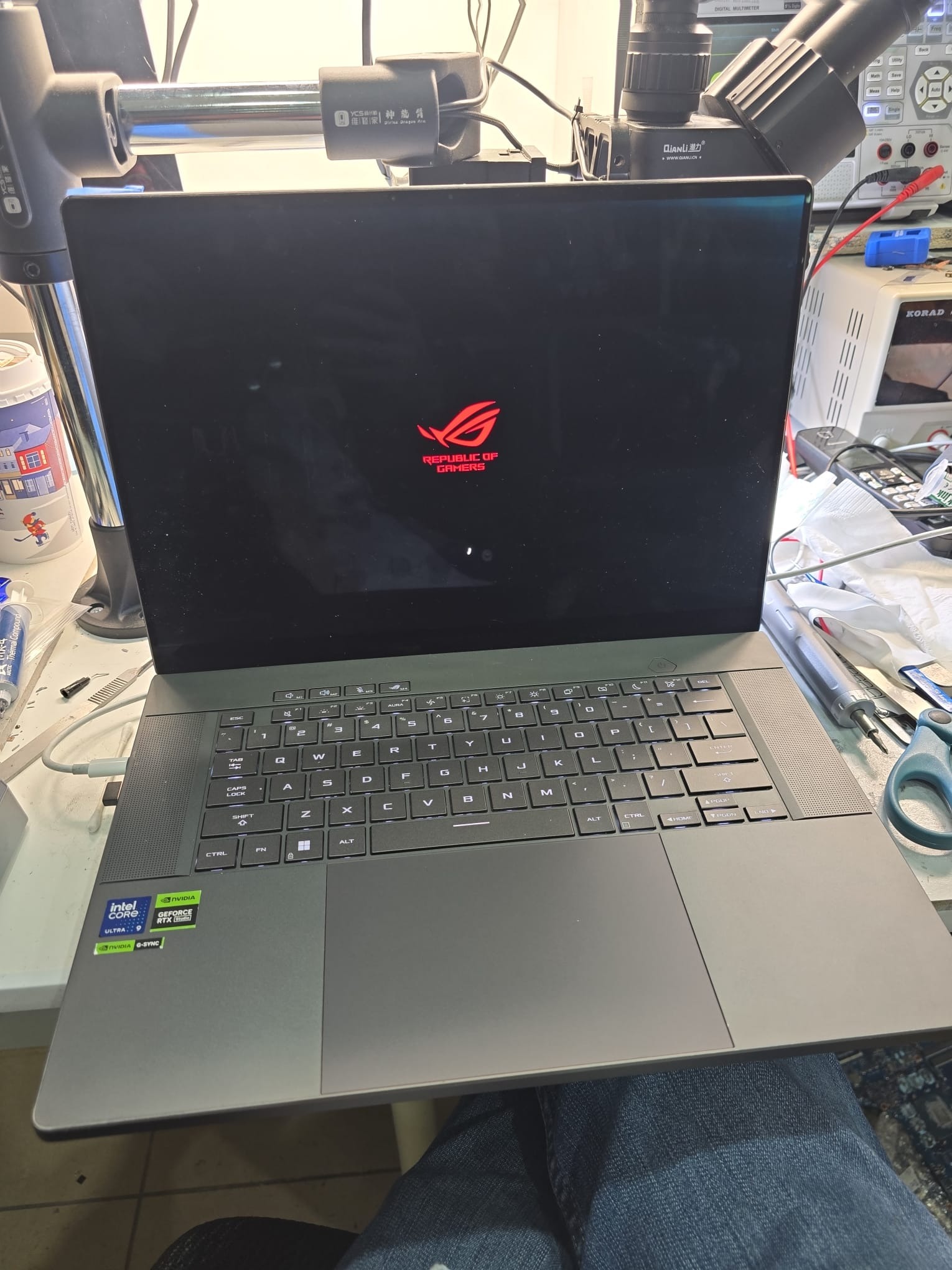
- Clean your laptop regularly to avoid dust buildup
- Update your operating system and drivers
- Keep liquids away from your device at all times
Following these simple steps can significantly reduce repair costs and improve long-term performance.
Professional Laptop Maintenance in Toronto
At CtrlFixe Toronto, we specialize in:
- Laptop battery replacement
- Gaming laptop maintenance
- Motherboard and power circuit repair
If your laptop shows signs of battery failure or power issues, professional inspection can prevent further damage.